
TL;DR
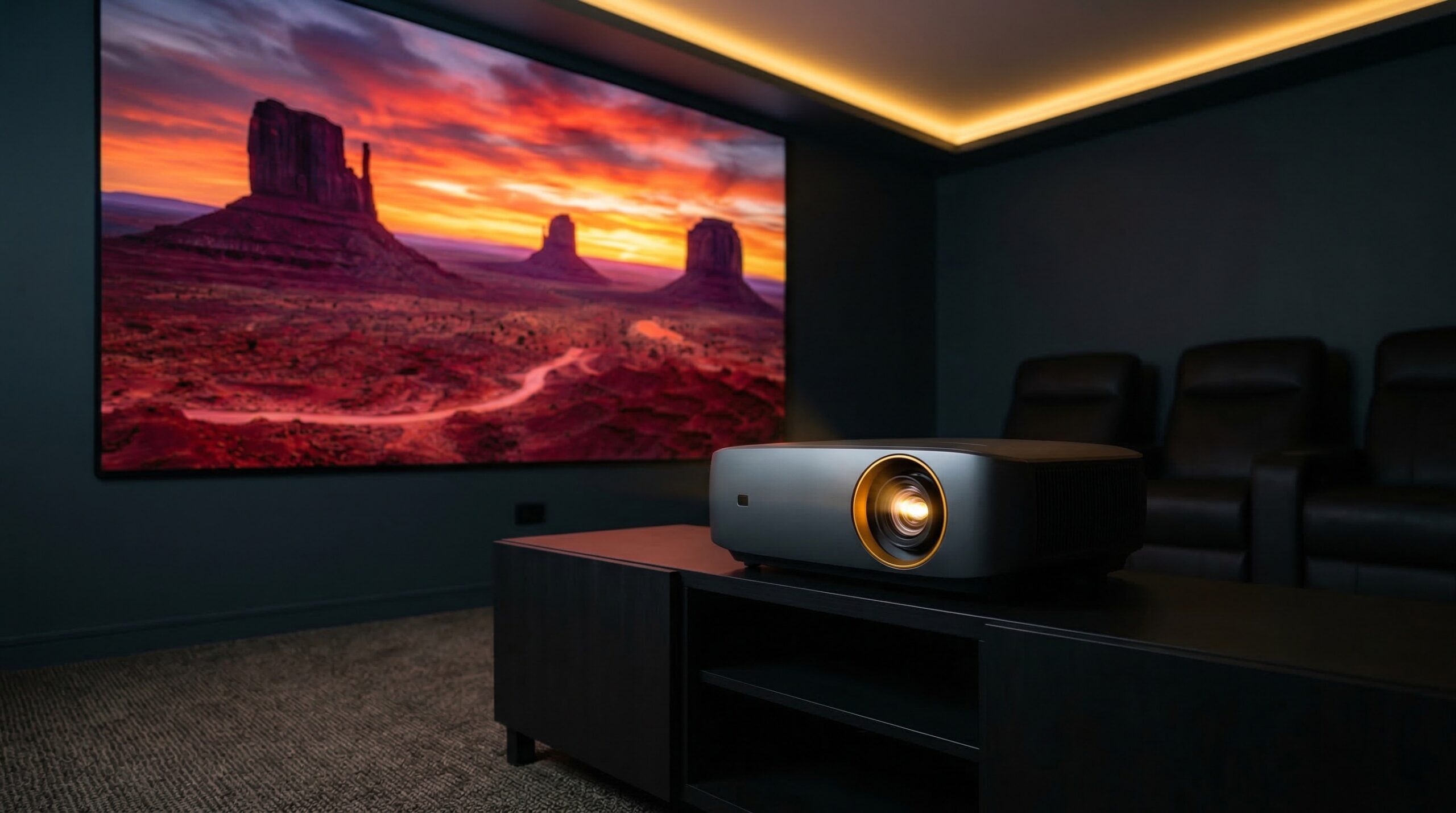
Projectors under $100 can work for occasional movie nights in a dark room, but you have to accept softer focus (especially in the corners), louder fan noise, and bigger variation in long-term reliability than you’d see from name-brand home theater models. If you want the least-regret buy new, focus on realistic brightness claims (ANSI lumens when provided), native resolution (not just “1080p supported”), and whether your room has enough throw distance for the screen size you want.
Top Recommended Projectors under 100
| Product | Best For | Price | Pros/Cons | Visit |
|---|---|---|---|---|
| HAPPRUN Smart Projector – Netflix Licensed, 1500 ANSI, Auto Focus, WiFi 6, Bluetooth 5.2 | Dark-room streaming with the simplest setup | $90 – $110 | Netflix-licensed “smart” convenience; fan noise and durability can be hit-or-miss in this class | Visit Happrun |
| HAPPRUN Native 1080P Projector | Big-screen basics for the lowest upfront cost | Check price on Amazon | Lots of buyer volume and generally positive impressions; performance claims vary by listing and unit | Visit Amazon |
Top Pick: Best Overall Projectors under 100
HAPPRUN Smart Projector – Netflix Licensed, 1500 ANSI, Auto Focus, WiFi 6, Bluetooth 5.2
Best for: a portable, dark-room “movie night” setup where you want built-in streaming convenience for a roughly 80–120 inch image and can live with budget-projector quirks.
The Good
- Streaming-first positioning (Netflix licensed) is a big quality-of-life win at this price, since it reduces the need for extra dongles and HDMI juggling.
- Auto-focus is helpful in real rooms (moving it between a bedroom and the backyard, adjusting for a slightly uneven wall, etc.), where manual focus can be fiddly.
- Brand claims “1500 ANSI” brightness (manufacturer reports), which is the kind of spec language we prefer over vague “LED lumens” or “lux” marketing.
- Good fit for casual use cases like kids’ sleepovers, occasional sports, or a low-stakes living-room wall projection after dark.
- Owner chatter and independent budget-projector testing commentary tend to frame it as strong value for the money, especially for color and contrast compared with typical no-name minis.
The Bad
- Fan noise is commonly part of the sub-$100 experience; plan to place it a bit farther from seating and consider external speakers to avoid “projector whir” during quiet scenes.
- Expect focus uniformity limits (center sharper than corners), which can make subtitles and UI text less crisp if they sit near the edges.
- Long-term durability can vary a lot in this category, so we’d only buy if the return policy is painless.
“the Happrun really showed off why it has been my pick for the best projector under $75 for the last two years, with nice, saturated colors, good brightness, and excellent contrast” — N/A discussion
“I’ve used my H1 a handful of times at this point, but I have a much better model I use day to day when watching movies and such. The H1 is noisier than I like, but the image is acceptable” — r/projectors discussion
Price: $90 – $110
Our Take: If you’re buying new under $100 and want the easiest “plug in and stream” path for a dark room, this is the most sensible top pick — just go in expecting audible fan noise and some corner softness.
HAPPRUN Native 1080P Projector
Best for: the cheapest way to try a big-screen setup for occasional movies or games in a bedroom or basement where you can get the room fairly dark.
The Good
- Strong volume of buyer reviews suggests it’s a common “starter projector” choice, which can make troubleshooting and accessory pairing easier.
- Marketed as “Native 1080P,” which (if accurate for the unit you receive) is a meaningful advantage for subtitles, menus, and text-heavy content compared with native-480p projectors that merely “support 1080p.”
- Typically priced in the sweet spot for under-$100 shoppers, especially when you’re prioritizing screen size over perfection.
- Works well for low-pressure use: occasional sports, cartoons, or a “project on a white wall” setup.
The Bad
- Buyer-review themes include complaints about cables and “quality” inconsistencies, which is a reminder that budget projectors can have uneven QA.
- Brightness and contrast claims on sub-$100 listings are often inflated or not stated in ANSI lumens, so assume you’ll need a dark room for a satisfying image.
- Built-in speakers on projectors in this class are usually a weak link; budgeting for a small Bluetooth speaker or soundbar often improves the experience more than chasing spec-sheet claims.
4.4/5 across 13,249 Amazon reviews
“This Happrun projector is worth every penny. My last projector cost 4x as much and was only about 1/4 better in quality — if that.Image quality is about the same, with the happrun actually beating out my old one considerably in noise reduction and sharpness settings. The haprun has better sharpness at the edges when I get it set up just right (see below,)…” — Verified Amazon buyer (5 stars)
“I think i got too excited for this product. Its good for simple entertainment. Its extremely lightweight. Picture quality is ok, you do have to play around with it to get it right. Bluetooth only connects to speakers, not smartphones. Which is a bummer! I at least already had an hdmi to usd-c cable which worked out. Getting the sound to play off the…” — Verified Amazon buyer (3 stars)
Our Take: If you want a popular, low-cost projector pick and you’re okay treating it as an “experiment” (with a good return window), this one is a reasonable roll of the dice — just plan for a dark room and external audio.
FAQ
Are projectors under $100 worth it?
They can be — if your expectations match the price. For occasional movie nights in a dark room, a sub-$100 projector can be fun and surprisingly watchable; as a daily TV replacement in a bright living room, most will disappoint due to limited real brightness, soft focus, and higher failure rates. If you care about consistent performance, a used/refurb name-brand DLP or 3LCD unit often gives better “real projector” behavior, but condition and lamp hours become the risk.
What does “1080p supported” actually mean?
Usually it means the projector can accept a 1080p signal over HDMI, but it may not have a 1080p native imaging panel. In many budget models, the input gets downscaled to a lower native resolution (commonly 720p or 480p), which shows up most in small text, subtitles, and game HUDs. When shopping, prioritize “native resolution” over “supports 1080p/4K” marketing.
How many lumens do I need for a 100-inch screen?
It depends heavily on ambient light and whether the brightness spec is real. As a practical rule, if you don’t have verified ANSI lumens, assume you’ll need a dark room for a satisfying 100-inch image; even modest room light can wash out blacks and color. For placement and sizing, it also helps to think in “how immersive is this at my seat?” — guidance from SMPTE motion imaging standards is a good reference point for reasonable viewing angles and why screen size, seating distance, and brightness all interact.
Can I use a budget projector in a small bedroom?
Yes, but throw distance is the usual deal-breaker. Measure the maximum distance from where the projector can sit (shelf/tripod) to the wall or screen, then sanity-check whether that distance can produce your target size (like 80–100 inches). A helpful tool is the ProjectorCentral throw distance calculator — even if your exact model isn’t listed, it illustrates why some projectors need a lot more space than you’d expect.
Why do cheap projectors look sharp in the center but blurry in the corners?
Focus uniformity is a common weakness in inexpensive single-LCD optics. The lens and panel alignment tolerances are looser than on home theater models, and keystone correction can make edge focus worse by digitally stretching parts of the image. If you’re sensitive to it, keep keystone use minimal, place the projector square to the screen, and test with a grid pattern before your return window closes.
Should I plan on external speakers with an under-$100 projector?
In most cases, yes. Built-in projector speakers are typically small and pointed the wrong direction for good sound, and fan noise competes with dialogue. A simple fix is pairing a Bluetooth speaker (or using a small soundbar via the projector’s audio out, if available), then keeping the projector farther from your seating area.
Are there any safety concerns with ultra-budget projectors?
Basic ones: don’t stare into the lens at close range, give the unit ventilation clearance so it doesn’t overheat, and avoid overloading cheap power strips. For general home electrical safety best practices, the NFPA 70 National Electrical Code is the reference standard many US installations are built around (a CEDIA-certified installer will generally follow these principles when routing power and signal cables).
Bottom Line
If you’re shopping for the best projector under $100 to use in a dark room and you want the least hassle getting streaming content up on the wall, the HAPPRUN Smart Projector (Netflix licensed) is our top pick. Keep expectations realistic — fan noise and corner softness are normal at this price — and buy only if you can confirm your placement/throw distance and have an easy return policy.
Affiliate disclosure: Some links on this page are affiliate links. Purchases through them support our work.