
TL;DR
The best alternative to a JMGO projector depends on how you plan to place it: bedside, ceiling, living room, backyard, or dedicated theater. We would start with placement flexibility, verified brightness, smart TV support, and audio connections before chasing the biggest lumen number or the flashiest gimbal design.
If you want casual setup and easy aiming, look at compact laser or LED models with auto focus and sensible keystone tools. If you want the cleanest movie image, a more traditional home-theater projector placed near center will usually preserve more sharpness and geometry.
What JMGO-Style Projector Alternatives Actually Are
JMGO-style projector alternatives are compact smart projectors that compete with JMGO’s core formula: a small chassis, an LED or laser light source, built-in streaming features, automatic setup tools, and often a gimbal or stand-friendly design. They are usually aimed at buyers who do not want a ceiling-mounted black box in the middle of the room. Instead, they want something that can sit on a shelf, nightstand, coffee table, or temporary stand and still produce a watchable image with minimal fuss.
That category includes portable laser models, lifestyle projectors, mini 4K-capable LED projectors, and some more traditional home-theater projectors that trade the flexible shape for better optics or installation control. For example, a compact laser option such as the Dangbei Atom Portable Laser Projector sits in the same general lifestyle-projector lane, with an Amazon buyer rating around 4.3 stars from more than 300 reviews and a typical price range around $850 to $900. A compact LED alternative such as the Optoma Photon Life PK32 is positioned lower in the price band, around $650 to $700, with a smaller review base and a strong early rating. Direct-brand routes from projector-focused companies can also be worth checking, but pricing, warranty terms, and app support should be confirmed before purchase.
The most important thing is that these projectors are not interchangeable just because they look similar. Brightness claims can be measured in ISO lumens, ANSI lumens, or vague marketing lumens, and those numbers should not be treated as equal. Independent resources such as ProjectorCentral projector reviews and guides are useful because they focus on throw distance, image size, light output, and real setup tradeoffs rather than only spec-sheet claims.
The formula is simple: pick the projector shape for your room, the light output for your screen size, the smart platform for your apps, and the audio connection for your sound system. If you skip that order and buy only on design, you can end up with a projector that looks clever but does not fit your actual room.
Who JMGO-Style Projector Alternatives Fit Best
These alternatives fit buyers who value convenience as much as picture quality. If you rent, move often, or cannot drill into the ceiling, a compact laser or LED projector can be much easier to live with than a fixed-installation model. A gimbal-style body is especially useful if you want to aim at the wall one night and the ceiling the next, or if the projector needs to live on a nightstand beside the bed.
They also make sense for bedrooms, dorm rooms, guest rooms, and casual living rooms where a full AVR-and-ceiling-mount setup would be too much. In those rooms, auto focus, obstacle avoidance, screen-fit tools, and fast startup are not gimmicks; they are the features that keep the projector from becoming a chore. If your projector is moved between rooms, automatic setup can matter more than a small contrast advantage.
A JMGO alternative also fits shoppers who want a different smart TV platform. Some buyers care less about the physical design and more about whether the projector has official Netflix support, Google TV, dependable casting, or an app store they already understand. That is a legitimate reason to compare brands. A projector can have strong image hardware and still be frustrating if your main streaming apps require workarounds.
These models are also appealing if you want a lower-maintenance light source. LED and laser projectors avoid the periodic lamp replacement cycle of older lamp-based projectors. That does not automatically make every laser or LED projector better, but it does simplify ownership for people who want fast startup, long light-source life, and fewer maintenance decisions.
For a living-room replacement TV, we would only recommend this category if you can control some ambient light and you are realistic about audio. Built-in speakers are fine for quick use, but they rarely replace a soundbar, receiver, or powered speaker system for dialogue clarity and bass. If the projector will be your main display, look for HDMI ARC or eARC, Bluetooth behavior that fits your use case, and enough inputs for your sources.
Who Should Skip JMGO-Style Projector Alternatives
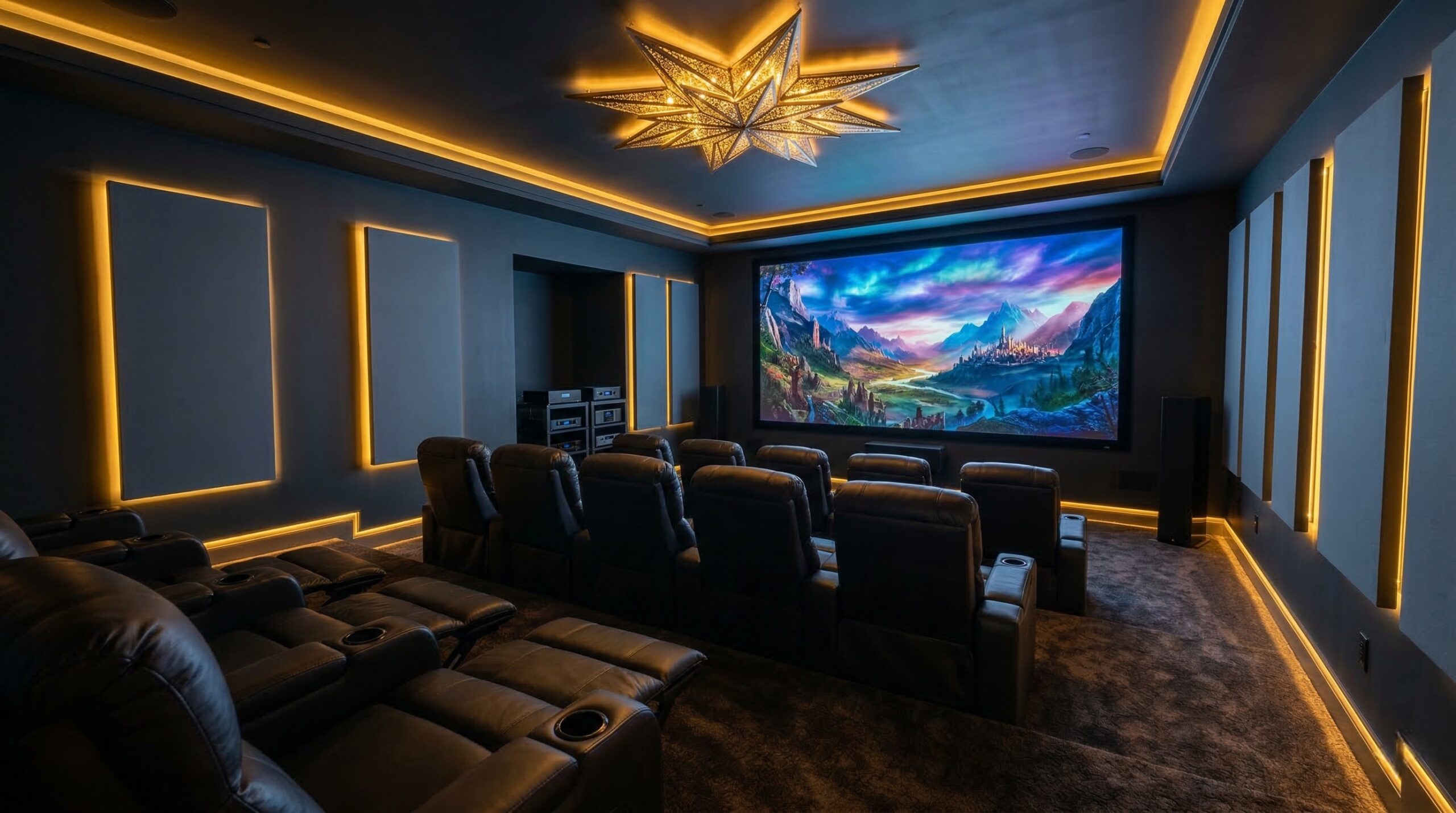
You should skip this category if you want the most accurate, theater-like image and you can place a conventional projector correctly. A centered projector with optical zoom and lens shift usually has an advantage over a heavily keystoned lifestyle projector. Digital keystone can square the image, but it does that by remapping pixels, which can reduce usable resolution and soften parts of the picture. For a dedicated theater room, a CEDIA-certified installer or ISF-certified calibrator can help you plan screen size, throw distance, light control, and calibration before you buy.
You should also skip compact lifestyle projectors if you watch a lot of daytime sports in a bright room and expect TV-like punch. Projectors need controlled light, and an oversized image can look washed out even when the spec sheet sounds impressive. A brighter model helps, but screen material, wall color, window placement, and picture mode all matter. Industry groups such as SMPTE motion imaging standards emphasize the importance of controlled imaging conditions, and home theater follows the same general principle: the room affects the picture.
This category is also not ideal for buyers who hate setup compromises. Auto focus and auto keystone are convenient, but they are not magic. Extreme side placement can still create uneven sharpness, odd geometry, or a picture that looks technically squared but visually off. If you are sensitive to artifacts, you may prefer a projector with better lens shift and a more traditional mounting position.
Triple-laser models deserve special caution. They can deliver wide color and strong brightness, but some viewers notice laser speckle on certain screens or wall surfaces. Screen material can make the problem better or worse. If you are sensitive to shimmering texture or plan to use an ALR screen, check owner impressions and professional testing before committing.
Finally, skip smart-projector convenience if your system already uses a streaming box, AV receiver, and universal remote. In that case, the projector’s built-in platform may matter less than HDMI reliability, eARC behavior, input lag, black level, fan noise, and image controls. A simpler projector with better optics may be the smarter long-term purchase.
Price and Value
Most credible JMGO-style alternatives sit in a wide middle band. Based on current product examples, compact lifestyle projectors can land around the mid-hundreds to just under $1,000 before sales. The Dangbei Atom Portable Laser Projector, for instance, is commonly positioned around $850 to $900, while an LED compact model such as the Optoma Photon Life PK32 has appeared closer to $650 to $700. Prices move often, so treat those as shopping ranges rather than fixed numbers.
The better value is not always the cheaper projector. A $650 projector can be a good buy if it fits your screen size, has the apps you need, and does not force awkward placement. But if you end up adding a streaming stick, soundbar, longer HDMI cable, stand, and screen, the real system cost may be closer to a more expensive projector that already handles more of those jobs cleanly.
Likewise, a higher-priced laser projector is not automatically the better value. You are paying for a mix of light source, optical system, processing, smart platform, design, warranty support, and brand reliability. If the brightest mode has poor color or loud fan noise, you may end up using a dimmer mode most of the time. That is why verified brightness and real viewing-mode performance matter more than the largest published number.
Budget for audio early. For casual bedroom use, built-in speakers may be enough. For a living room, we would reserve money for at least a soundbar or powered speakers. If you already have a receiver or surround system, check HDMI ARC or eARC behavior before buying. HDMI features can be just as important as the projector’s light engine when the projector becomes the hub of the room.
Also budget for safe installation. If you mount anything overhead, use hardware rated for the projector and mounting surface, and route power and HDMI cables safely. For electrical and low-voltage planning, the NFPA 70 National Electrical Code is the relevant safety framework in the U.S., and local code or a qualified installer should guide permanent wiring decisions.
If you are considering a lamp-based alternative instead of laser or LED, remember that some projector lamps require careful disposal. The EPA guidance on recycling bulbs that contain mercury is a useful starting point for understanding why lamp handling and disposal matter.
Common Mistakes When Trying JMGO-Style Projector Alternatives
The biggest mistake is comparing lumen numbers without checking the measurement standard. ISO lumens, ANSI lumens, and marketing lumens are not the same thing. Even when a number is legitimate, the projector may only reach that output in a picture mode you would not actually want to watch. A balanced movie mode may look better but measure dimmer.
The second mistake is using too much keystone correction. Auto keystone is convenient when you are setting up quickly, but heavy correction throws away image area and can make edges look softer. If possible, place the projector closer to the center of the screen, raise or lower it physically, and use digital correction only as the final tweak.
The third mistake is buying a gimbal projector for extreme side placement. A gimbal makes angle changes easier, but it does not change the basic geometry problem. If the projector is far off to the side, the image may look squared on paper while still feeling uneven in real viewing. For movie nights, a few minutes spent improving placement usually does more than another round of auto correction.
The fourth mistake is assuming every smart projector has the same app support. Verify Netflix, YouTube, Prime Video, Disney+, casting, AirPlay, Google TV, and firmware support before buying. Some projectors rely on app stores that are less complete than a Roku, Apple TV, Fire TV, or Google TV streamer. If your household depends on one specific app, confirm it directly.
The fifth mistake is forgetting the sound plan. Projector speakers can be useful when you are watching in bed or moving the unit outside for a casual movie. They are less satisfying when the projector becomes the main living-room display. Dialogue intelligibility, bass, and surround effects need real speakers. If you listen loud for long sessions, it is also worth being aware of CDC NIOSH noise exposure guidance and keeping volume at a reasonable level.
The sixth mistake is projecting onto the wrong surface and blaming the projector. A textured wall, glossy paint, uneven surface, or incompatible screen can reduce sharpness, exaggerate speckle, or create hotspotting. A modest projector on a good screen can look more consistent than a more expensive projector on a poor wall.
The seventh mistake is ignoring return policies. Lifestyle projectors are highly room-dependent. Fan noise, brightness, speckle, focus uniformity, app behavior, and Wi-Fi stability are easier to judge in your own room than from a spec sheet. Buy from a seller with a return window that gives you enough time to test your actual screen size, seating distance, and streaming setup.
FAQ
Are alternatives to JMGO projectors better than JMGO?
They can be better for specific rooms, but not automatically. One alternative may have a more familiar smart TV platform, another may have stronger audio connections, and another may be easier to place. The right choice depends on your room, screen size, light control, app needs, and whether you value convenience or image accuracy more.
Is a gimbal projector worth it for home use?
A gimbal projector is worth it if you move the projector often, aim at the ceiling, watch from bed, or need fast setup in different rooms. It is less important if the projector will stay in one centered position. For permanent setups, optical alignment, lens shift, and proper mounting usually matter more than a tilting stand.
Should I choose laser or LED for a compact projector?
Choose laser if you want higher brightness potential and strong color performance in a compact body. Choose LED if you want a simpler, often less expensive low-maintenance projector and do not need maximum brightness. In either case, judge the full image, not just light-source life.
How bright should a projector be for a living room?
For a living room, you want the brightest verified output you can afford while still getting acceptable color and contrast. Ambient light, screen size, screen gain, wall color, and picture mode all affect the result. If the room has lots of daylight, a projector will struggle more than a TV, even with a strong lumen rating.
Can I use one of these projectors as a TV replacement?
Yes, but only if you plan the system carefully. Prioritize verified brightness, a screen size the projector can handle, official streaming-app support, HDMI ARC or eARC for audio, and a good sound solution. A projector can feel like a huge TV at night, but it needs more light control than a flat panel.
Do I need an external streaming stick?
You may not need one if the projector has the apps you use and receives reliable updates. Still, many buyers prefer a Roku, Apple TV, Fire TV, or Google TV device because the interface is faster, app support is broader, and replacement is easy. If Netflix certification matters to you, confirm it before buying.
What is the biggest mistake when comparing projector specs?
The biggest mistake is treating all brightness claims as equal. ISO lumens, ANSI lumens, and vague marketing lumens are not interchangeable. Also remember that the best-looking picture mode may be dimmer than the brightest mode, so real-world viewing can differ from the headline number.
Should I hire an installer for a projector setup?
For a portable bedroom projector, probably not. For a ceiling mount, long cable run, surround system, or dedicated theater, a CEDIA-certified home theater installer can save you from placement, wiring, and screen-size mistakes. CEDIA Recommended Practices are especially useful when planning sightlines, mounting, light control, and system integration.
Looking for these on Amazon? Browse jmgo alternatives on Amazon →
Bottom Line
Shop beyond JMGO by matching the projector to your room, not by copying a shape or chasing the biggest spec. For casual bedrooms and flexible spaces, compact laser or LED models with smart setup tools make sense; for serious movie rooms, a centered traditional projector may deliver a cleaner image.
Our recommendation is to prioritize verified brightness, modest keystone use, confirmed app support, safe installation, and an external audio plan. If a projector solves those five problems in your actual room, it is a strong alternative.
Affiliate disclosure: Some links on this page are affiliate links. Purchases through them support our work.