
TL;DR
The best replacement for an Optoma projector is the one that matches your room first: throw distance, screen size, mount location, zoom, lens offset, brightness needs, and inputs matter more than the logo on the case. If you are replacing an installed Optoma, measure before you shop; the wrong throw ratio can make a good projector impossible to use in the same spot.
For casual movie nights, budget smart projectors from brands like HAPPRUN, WEMAX, Aurzen, and Valerion can make sense. For fixed home theaters, golf simulators, classrooms, bars, and conference rooms, prioritize verified brightness, placement flexibility, low input lag, and long-term maintenance costs over headline specs alone.
What an Optoma Alternative Actually Is
An Optoma alternative is not simply “a projector from another brand.” In practical buying terms, it is a projector that can do the same job your Optoma was doing, or do a better job in the room you actually have. That formula changes depending on whether you are replacing a ceiling-mounted home theater projector, a short-throw classroom model, a bright conference-room unit, a golf simulator projector, or a portable projector for casual streaming.
The basic formula is: screen size plus throw distance plus room light plus content type plus installation limits. Throw distance tells you whether the projector can make the right image size from where it will sit. Brightness tells you whether the image will hold up on your screen in your lighting. Lens shift, zoom, and offset tell you whether the image can land on the screen without awkward digital correction. Inputs, refresh rate, and input lag tell you whether it will work well for gaming, simulators, streaming boxes, laptops, AV receivers, and consoles.
This is why replacing an existing Optoma can be harder than buying your first projector. If the ceiling mount, outlet, HDMI cable, and screen are already fixed, your options narrow quickly. A projector with excellent reviews can still be a poor replacement if it needs to sit two feet closer, throws the image too high, lacks enough zoom, or forces heavy keystone correction.
Brightness is another area where buyers get tripped up. Advertised lumens are useful as a starting point, but screen size, screen gain, wall color, ambient light, and real measured output all affect the final image. Organizations such as SMPTE motion imaging standards help explain why image brightness at the screen matters more than marketing numbers alone. For installation safety, especially with ceiling mounts and power routing, electrical work should follow local code and the principles behind the NFPA 70 National Electrical Code.
Who an Optoma Alternative Fits Best
An Optoma alternative fits best when you know what you want to improve. Some buyers want less maintenance than an older lamp projector. Others want better built-in streaming, lower input lag, a quieter fan, stronger color, shorter throw, or a projector that fits a room where the old model never quite worked.
If your Optoma is used mainly for casual movie nights, kids’ rooms, dorm rooms, outdoor evenings, or travel, a lower-cost smart projector can be a sensible step sideways rather than a strict performance upgrade. Models in the $180 to $410 range, such as portable or smart projectors from Aurzen, WEMAX, and HAPPRUN, are typically easier to live with for temporary setups because they emphasize streaming features, autofocus, compact size, and simple placement. One Aurzen owner impression highlights the appeal of an all-in-one portable setup: “The D1R Cube has Roku TV built directly into the projector, so I can turn it on, select the service I want, and begin watching without building a complicated entertainment system” — Aurzen buyer review, 5 stars.
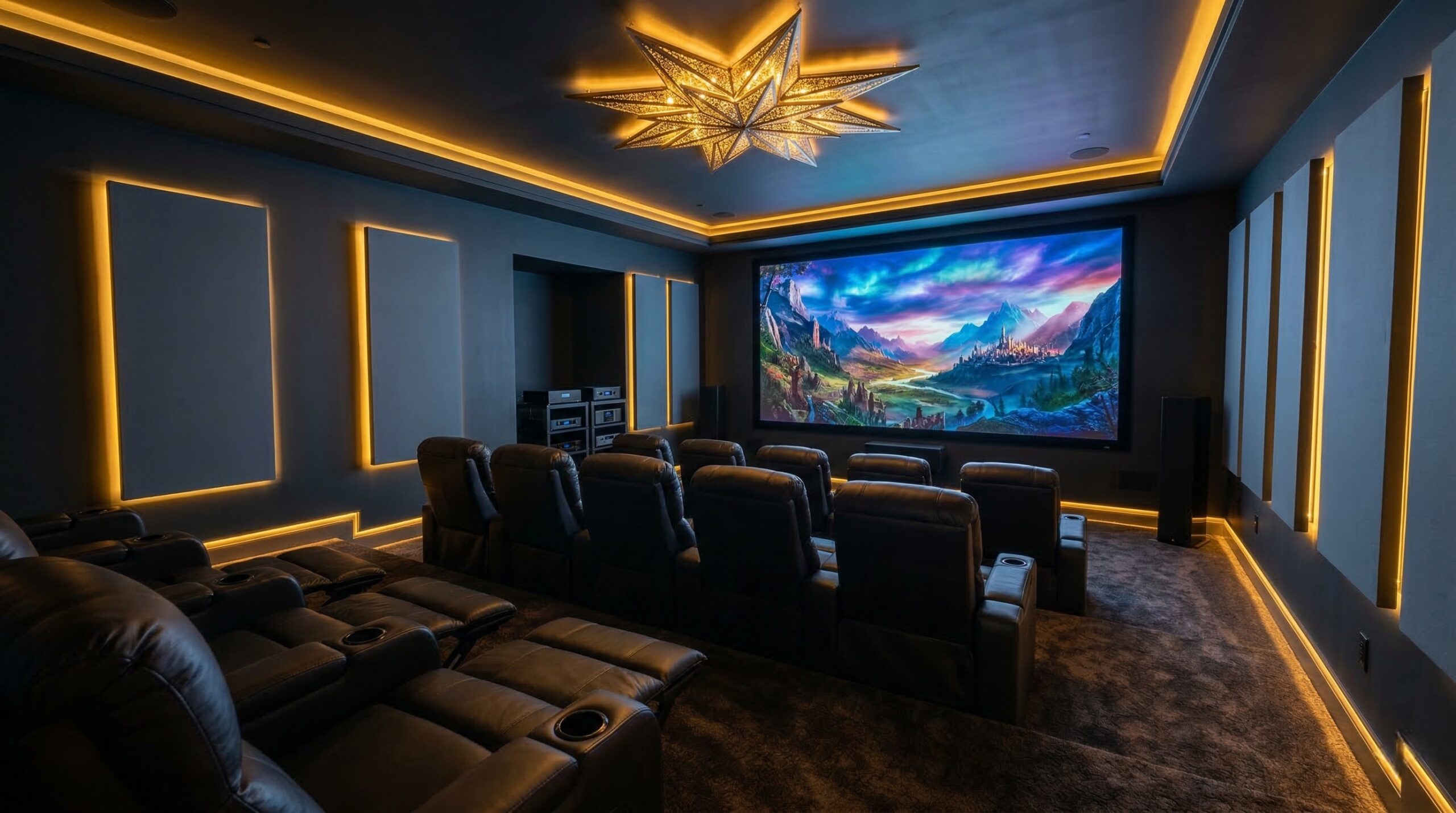
Home theater buyers should look for a different mix. In a dark room, contrast, black level, color accuracy, lens quality, and noise may matter more than maximum brightness. A projector that claims very high lumens but has weak contrast can look washed out in movie scenes. If you have a dedicated theater, this is where talking with an ISF-certified calibrator can be worthwhile, especially if you are trying to match a projector to a screen, room color, and viewing distance.
Gaming and golf simulator buyers should put input lag, refresh rate support, throw type, and brightness near the top of the list. A short-throw or ultra-short-throw design can reduce shadows in simulator bays, but it also requires careful image sizing and mounting. For competitive gaming, confirm latency at the resolution and refresh rate you will actually use, not just the best number printed in a low-resolution mode.
Business, classroom, church, and sports-bar buyers should think more like installers. The best fit is often a bright, durable model with predictable placement, strong connectivity, ventilation clearance, and a service plan. Laser or LED light engines may reduce lamp maintenance, but they still need to meet the brightness and installation needs of the room.
Who Should Skip an Optoma Alternative
You should pause before switching brands if your current Optoma is already tightly matched to the room and the replacement has not been checked against the same throw distance and screen size. A new projector can be sharper, smarter, or cheaper and still fail if the image cannot fill the screen from the existing mount.
Skip budget portable projectors as like-for-like replacements for bright installed Optoma models. A compact smart unit can be fun in a dark bedroom or on a smaller screen, but it is usually not the right answer for a 120-inch screen in a lit classroom, sports bar, conference room, or simulator bay. This is especially true if your old Optoma was in a 3,000- to 4,000-lumen class and the new option is built primarily for casual streaming.
Battery-powered and portable projectors also require realistic expectations. One owner comment about a portable model is useful precisely because it hints at the tradeoff: “I didn’t appreciate this but it has a battery which is enough for about 90-120 minutes depending upon the brightness — the only connection needed is HDMI. It’s pretty decadent” — Aurzen buyer review, 5 stars. That may be plenty for a short movie or backyard session, but it is not a full substitute for an always-plugged-in projector in a fixed room.
You should also skip a quick swap if you cannot safely reuse the existing ceiling mount. The new projector may weigh more, use a different mounting plate, put the lens in a different position, or need different ventilation clearance. If you are unsure whether the mount is secured into suitable structure, not just drywall, have a CEDIA-certified home theater installer check it.
Finally, do not assume laser automatically means better. Laser and LED projectors can reduce lamp replacements and are attractive for high-hour use, but some lamp-based projectors still offer strong brightness and contrast for the money. The right choice depends on measured performance, room conditions, serviceability, warranty coverage, and how many hours per week you will use it.
Price and Value
Price varies widely because “projector replacement” covers several very different jobs. At the casual end, compact smart projectors can sit around $180 to $410. The Aurzen EAZZE D1 air portable smart projector is positioned around $180 to $220, making it a low-cost option for casual viewing and temporary setups. The WEMAX VP03 Google TV smart projector is listed around $230 to $270, with a focus on built-in streaming features and portable outdoor use. The HAPPRUN 4K Smart Projector is listed around $350 to $410 and is presented as a brighter smart-projector option with Google TV, autofocus, Dolby Audio, and a 270-degree adjustable stand.
Those prices can look attractive if you are replacing an older Optoma used casually. But value changes fast once installation costs enter the picture. A cheaper projector can become more expensive if it requires moving a ceiling mount, buying a different screen, adding an external streaming device, replacing long HDMI cables, changing the shelf height, or accepting a smaller image.
Premium home theater and bundled systems sit in a different value category. A product such as the Valerion VisionMaster Pro2 bundle, which includes a screen and audio component in its positioning, is aimed less at bargain replacement shopping and more at buyers building or refreshing a fuller theater setup. That can be a better value if you need the whole system, but it is overkill if you only need a basic projector for a spare room.
For high-hour spaces such as classrooms, offices, churches, bars, and simulator bays, long-term cost matters more than the sticker price. Lamp replacements, filters, downtime, dust exposure, and heat all affect real ownership cost. Lamp-based projectors should be allowed to cool before handling, and old lamps may require proper disposal or recycling. The U.S. Environmental Protection Agency offers guidance on recycling and disposal of bulbs that may contain mercury, which is relevant when retiring older lamp-based projectors.
A good rule of thumb: if the projector is used once a week in a dark room, upfront price and convenience may matter most. If it runs every day, light-source life, cooling, reliability, warranty support, and service access should carry more weight.
Common Mistakes When Trying an Optoma Alternative
The most common mistake is shopping by brand reputation or advertised brightness before checking installation fit. A projector cannot be a successful replacement if it cannot create the right image size from your mount or shelf. Before comparing prices, measure the throw distance from lens to screen, confirm your screen width, and use the manufacturer’s throw chart or a reputable calculator such as the ProjectorCentral throw distance calculator.
The second mistake is ignoring lens shift, zoom, and offset. Digital keystone can rescue a crooked image, but heavy keystone correction throws away pixels and can soften the picture. If image quality matters, optical placement tools are better than relying on digital correction. This is especially important with ceiling mounts, fixed screens, and ultra-short-throw projectors, where small placement errors can create obvious geometry problems.
The third mistake is replacing a bright installed projector with a portable model without changing expectations. Portable projectors are appealing because they are simple and affordable, and owner feedback often reflects that convenience. As one Aurzen buyer put it, “I didn’t appreciate this but it has a battery which is enough for about 90-120 minutes depending upon the brightness — the only connection needed is HDMI. It’s pretty decadent” — Aurzen buyer review, 5 stars. That kind of simplicity is useful for travel, bedrooms, and casual outdoor viewing, but it may not deliver the image size, brightness, or optics needed for a fixed theater or commercial room.
The fourth mistake is assuming “4K supported” means native 4K. Many budget projectors can accept a 4K signal but display it at a lower native resolution. That may be fine for casual streaming, but it is not the same as a native 4K or high-quality pixel-shifting home theater projector. Check native resolution, not just supported input resolution.
The fifth mistake is overlooking gaming and simulator details. Input lag can vary by resolution, refresh rate, picture mode, and whether motion processing is turned on. For consoles and PCs, confirm the HDMI version, supported refresh rates, and low-latency mode behavior. For golf simulators, verify throw type, impact-screen brightness, image size, mounting safety, and whether the projector position keeps shadows out of the hitting area.
The sixth mistake is treating laser and LED as automatically maintenance-free. They avoid traditional lamp swaps, but they still need ventilation, dust control, firmware stability, and warranty support. In commercial spaces, poor airflow can shorten projector life. Make sure the projector has enough clearance around vents and that the power setup is safe for the location.
FAQ
Can another projector use the same Optoma ceiling mount?
Maybe, but do not assume it will. You need to verify the mounting plate pattern, projector weight, lens position, throw distance, vertical offset, zoom range, and cable reach. The mount and anchors should be rated for the new projector and secured into suitable structure. If there is any doubt, have a CEDIA-certified installer inspect the setup before hanging a heavier or differently shaped projector.
Is a laser projector always a better replacement?
No. Laser projectors can reduce lamp maintenance and are often a smart choice for high-hour use, but they are not automatically brighter, sharper, or better for every room. Compare brightness, contrast, color performance, throw ratio, fan noise, warranty coverage, and placement flexibility before choosing laser over lamp or LED.
How many lumens do I need for my room?
It depends on screen size, screen gain, ambient light, wall color, content type, and viewing expectations. A dark theater can prioritize contrast and black level, while classrooms, bars, conference rooms, and golf simulator bays usually need more brightness. Use manufacturer data as a starting point, then check real-world measurements and projector-calculator tools when possible.
Can a cheap portable projector replace an installed Optoma?
Usually not as a true like-for-like replacement. A budget portable projector can be great for travel, dorm rooms, kids’ rooms, backyard movies, or casual streaming on a smaller screen. But it typically will not match the brightness, optics, throw flexibility, mounting options, or durability of a fixed home theater, education, or commercial projector.
What should I check first when replacing an Optoma?
Start with throw ratio, screen size, lens-to-screen distance, mount location, zoom range, lens shift, vertical offset, native resolution, input lag, HDMI needs, and audio connections. If those basics do not line up, the projector may require a new mount location, smaller image, different screen, or extra hardware.
Does 4K supported mean the projector is true 4K?
No. “4K supported” often means the projector can accept a 4K input signal, not that it displays a native 4K image. Check the native resolution and imaging technology. For casual streaming, 1080p may be acceptable; for a large home theater screen, native 4K or strong pixel-shift performance may be worth paying for.
Are ultra-short-throw projectors easier to install?
They can be easier in some rooms because they sit near the wall instead of across the room, but they are not automatically simple. Ultra-short-throw models need precise cabinet depth, height, screen alignment, wall flatness, and often an ambient-light-rejecting screen designed for UST projection. Small placement errors can create large image-shape problems.
Looking for these on Amazon? Browse optoma alternatives on Amazon →
Bottom Line
The best Optoma replacement is the projector that fits your screen, mount, room light, content, and maintenance needs without forcing expensive installation changes. Start with measurements and use case, then compare brightness, optics, light source, input lag, and long-term cost.
For casual viewing, affordable smart and portable models can be good alternatives. For home theaters, simulators, classrooms, bars, and commercial spaces, be more selective and consider help from a CEDIA-certified installer or ISF-certified calibrator before changing the installation.
Affiliate disclosure: Some links on this page are affiliate links. Purchases through them support our work.