
TL;DR
The best XGIMI replacement is not simply the projector with the biggest resolution badge. For most buyers, the better move is to choose based on verified brightness, app support, throw distance, setup tools, gaming lag, and the real cost of the full system.
If you want a portable all-in-one projector, prioritize autofocus, auto keystone, certified streaming apps, decent speakers, and easy placement. If you want a more serious home theater image, give up some portability and look for stronger brightness, better contrast, better cooling, and more flexible installation options.
What XGIMI Alternatives Actually Are
XGIMI alternatives are projectors that compete with the same “smart projector” idea: a compact display device with built-in streaming, autofocus, keystone correction, speakers, and a light source that usually does not need frequent lamp changes. That category includes portable smart projectors, lifestyle 4K models, gaming projectors, ultra-short-throw laser projectors, and traditional home-theater projectors that require more setup but can produce a stronger image.
A useful way to think about the category is this formula: projector fit = room brightness + screen size + throw distance + app needs + audio plan + gaming needs + setup tolerance. Resolution matters, but it is only one part of the picture. A 4K projector with weak brightness, poor black levels, awkward placement, or unreliable apps can be less satisfying than a lower-resolution model that fits your room properly.
Brightness is one of the biggest comparison traps. Marketing terms such as LED lumens, light-source lumens, and vague “brightness” claims are not always equivalent. ANSI lumens or credible independent measurements are more useful when comparing projectors, especially if you watch sports, TV, or movies in a living room with lamps, windows, or light-colored walls. ProjectorCentral’s projection calculator is also worth using before you buy because throw distance can decide whether a projector works in your room at all.
The other major difference is the built-in smart platform. Many XGIMI shoppers want an all-in-one device, but app certification can vary across brands and models. Netflix, Disney+, Prime Video, YouTube, and local streaming apps may not behave the same way on every projector. In many setups, an external Apple TV, Roku, Fire TV Stick, or Chromecast is still the more reliable long-term streaming plan.
Finally, remember that projectors are room-dependent. Standards bodies such as SMPTE motion imaging standards exist because image presentation depends on brightness, viewing environment, screen size, and signal handling — not just the logo on the box. A good XGIMI rival is the model that fits your room and habits, not necessarily the one with the flashiest spec sheet.
Who XGIMI Alternatives Fit Best
XGIMI alternatives make the most sense for buyers who like the smart-projector concept but want a different balance of performance, portability, and setup flexibility. If your current projector feels dim in a living room, struggles with dark movie scenes, lacks the streaming apps you use most, or feels slow for gaming, it is reasonable to shop outside the XGIMI lineup.
They are also a good fit for buyers who know what kind of projector experience they actually want. A compact portable model is best if you move the projector between rooms, take it outside for movie nights, or want a fast temporary setup. In that case, autofocus, auto keystone, obstacle avoidance, tripod support, battery options, and speakers matter as much as raw picture quality.
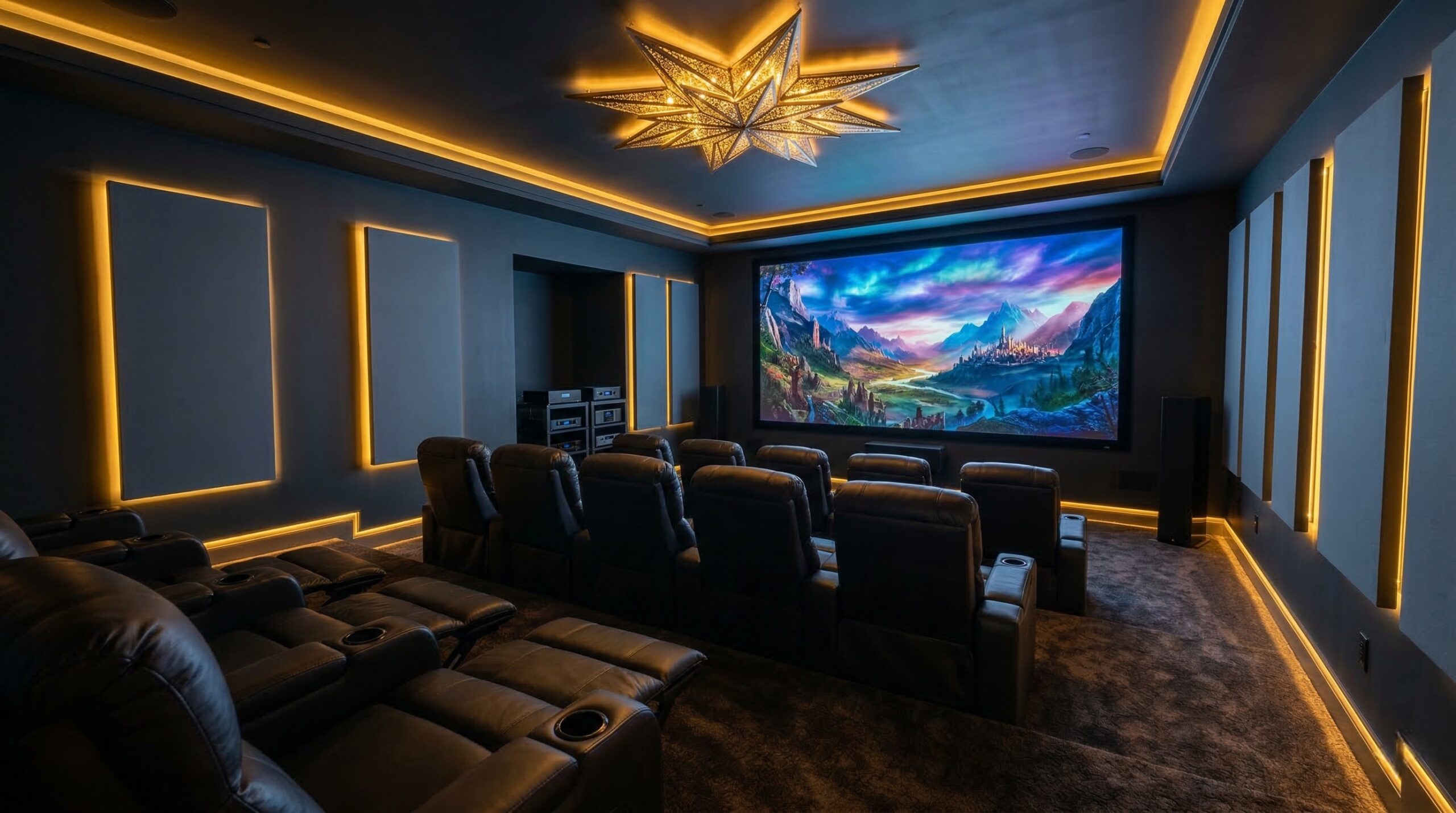
Home-theater-focused alternatives fit a different buyer. If the projector will stay in one room, you usually get better value from a larger unit with more light output, better contrast, better cooling, and more flexible lens or mounting options. You may lose the “carry it anywhere” feel, but you gain a more stable image for a dedicated screen, blackout curtains, and a proper seating layout.
Gaming buyers should also look beyond the usual lifestyle-projector checklist. A projector can accept a 4K signal and still feel sluggish if input lag is high. Look for measured lag, game-mode behavior, refresh-rate support, and HDMI capability. If you use a PS5, Xbox Series X, gaming PC, soundbar, and streamer, also count HDMI ports before you buy.
Owner impressions around projector-focused rivals can be encouraging when image quality is the priority. One Valerion buyer wrote, “The Valerion Max has been the best projector I’ve had so far. The picture quality is excellent, with impressive black levels that make movies look fantastic. The first thing I” — buyer review, 5 stars. The quote is truncated in the source text, but the useful takeaway is clear: some buyers moving toward larger, image-first alternatives care most about black levels and movie performance.
These projectors also fit buyers who are willing to build the system around the image. A proper screen, darkened room, solid stand or ceiling mount, and external streamer can make a bigger difference than chasing one more smart feature. If ceiling mounting is part of your plan, use a mount rated for the projector’s weight and follow safe wiring practices consistent with the NFPA 70 National Electrical Code.
Who Should Skip XGIMI Alternatives
You should skip the broader alternative hunt if you already like your current XGIMI setup and your main complaint is minor. Projector shopping can turn into a spec chase, and many upgrades require trade-offs. A brighter home-theater projector may be larger, louder, more expensive, and less convenient. A gaming projector may prioritize low latency over the smoothest movie processing. A portable model may still struggle in daylight no matter how convenient it is.
Budget-focused buyers should also be careful. A cheaper projector can become more expensive once you add the missing pieces: a streaming stick, soundbar, HDMI cables, tripod, ceiling mount, carry case, blackout curtains, or a projection screen. If you are replacing an all-in-one smart projector, make sure the alternative still gives you the same day-to-day convenience or that you are comfortable adding separate components.
Skip portable alternatives if your real goal is a serious dark-room cinema image. Small lifestyle projectors are convenient, but they often have lower brightness, weaker black levels, smaller speakers, and less cooling headroom than larger home-theater models. They can look great at modest screen sizes in a dark room, but they are not always the best choice for a 120-inch or larger screen.
You should also pause if you cannot confirm throw distance. A technically better projector can still be the wrong projector if it cannot create your desired image size from your shelf, coffee table, ceiling position, or rear wall. Before buying, measure the room and check the throw ratio. If the projector lacks optical zoom or lens shift, placement tolerance may be tighter than expected.
Critical owner feedback is often less about one dramatic flaw and more about fit issues: brightness expectations, fan noise, app limitations, and setup friction. For example, owner-review themes around some gaming-oriented alternatives include complaints related to the unit failing to “turn” on or behave as expected, which is a reminder to check return policies and warranty support before committing. If you cannot test the projector in your room, buy from a retailer with a practical return window.
Finally, skip the category if you mainly watch in a bright room during the day and do not want a screen or room-control upgrades. Projectors need controlled light to look their best. In many bright living rooms, a large TV may be the simpler and more satisfying choice.
Price and Value
Price varies widely because “XGIMI alternative” covers several projector types. Portable smart projectors can sit in the lower-to-mid price range, while lifestyle 4K models, gaming projectors, laser projectors, and ultra-short-throw systems can cost much more. In the provided product data, the BenQ X3100i True 4K 4LED Gaming Projector sits around $1,700 to $1,800, which places it in a serious gaming and home-entertainment tier rather than the casual mini-projector tier.
The Valerion VisionMaster Pro 2 bundle is positioned more as a projector-focused premium alternative than a low-cost portable replacement. Its listing includes a stand and multiple pairs of glasses in the bundle name, but buyers should still verify current pricing, regional availability, warranty terms, and what is actually included at checkout. Bundles can be valuable when they include accessories you would have bought anyway, but they are not automatically cheaper if you do not need those extras.
When judging value, avoid comparing projector price alone. Add the cost of:
- A proper projection screen or ambient-light-rejecting screen
- A ceiling mount, tripod, or adjustable stand
- An external streaming device if built-in apps are weak
- A soundbar, powered speakers, or AV receiver
- Long HDMI cables, power extension, or cable management
- Blackout curtains or other room-light control
- A carry case if the projector will travel
Light-source type also affects value. LED and laser projectors generally avoid the lamp-replacement routine associated with older lamp-based models, though brightness can still decline over time. Lamp-based projectors may offer strong image quality for the money, but replacement lamps, warm-up time, cool-down behavior, and lamp disposal rules should be part of the calculation.
For many buyers, the best value is not the cheapest projector. It is the least expensive projector that solves the actual problem: brighter daytime sports, better dark-room movies, lower gaming lag, easier placement, better streaming support, or a quieter setup near the couch.
Common Mistakes When Trying XGIMI Alternatives
The first common mistake is treating all brightness claims as equal. A projector advertised with impressive light-source lumens may not perform like another projector rated with ANSI lumens. If your room has ambient light, this matters immediately. Large screens also demand more brightness, so a projector that looks punchy at 80 inches may look flat at 120 inches.
The second mistake is ignoring throw distance. Buyers often fall in love with a projector online and then discover it cannot make the right image size from their shelf or ceiling location. Measure first. Check throw ratio, zoom range, lens shift, and whether the projector can be mounted or placed where you want it without blocking walkways or seating.
The third mistake is relying too heavily on keystone correction. Auto keystone is convenient, especially for portable projectors, but heavy digital correction can reduce sharpness and usable resolution. We like autofocus and auto keystone for quick setup, but the cleanest picture still comes from physically aligning the projector with the screen as well as possible.
The fourth mistake is assuming built-in apps are “good enough.” App support can change, and certification varies. If Netflix or another service is essential, confirm official support before buying. Many buyers are happier using an external streamer because it receives frequent app updates and is easier to replace than the projector itself.
The fifth mistake is overlooking audio. Built-in speakers are convenient, but they rarely match a real soundbar or surround system. If you want a clean one-box setup, read owner impressions about speaker quality and Bluetooth behavior. If you already own an AV receiver or soundbar, confirm HDMI ARC/eARC support, audio formats, and port layout.
The sixth mistake is buying for gaming based on resolution alone. Input lag, refresh rate, HDMI bandwidth, and game mode matter more than the 4K label. Some projectors reduce processing in game mode, which can disable motion smoothing, affect keystone behavior, or change image presets. That is not necessarily bad, but you should know before you build the setup around a console.
Owner impressions can be useful here because setup friction often shows up after the purchase, not on the spec sheet. One buyer wrote, “The Visionmaster Max has amazing image quality and great tonemapping. It has a good set of options as well. Valerion’s support team is also very responsive via email which is rare” — buyer review, 5 stars. That kind of feedback points to two things shoppers often underestimate: tone mapping quality and post-purchase support.
The final mistake is ignoring safety and comfort. Do not stare into a projector lens, especially with laser or high-brightness models, and keep children and pets away from the beam path. If the projector sits near your seats, fan noise can also affect long viewing sessions; the CDC NIOSH noise exposure guidance is a useful reminder that listening comfort matters in any media room, even if projector fans are not the same as industrial noise sources.
FAQ
Are XGIMI alternatives usually brighter?
Some are, but not all. Compare ANSI lumens or credible independent measurements rather than relying on vague brightness claims. A larger home-theater projector is often brighter than a compact portable model, but room light, screen size, and screen material still determine how bright the image looks.
Do smart projector alternatives have better streaming apps?
Some do, but app support varies by model and can change over time. Before buying, confirm the services you actually use, especially Netflix, Disney+, Prime Video, YouTube, and live-TV apps. If app reliability is your top concern, an external Roku, Apple TV, Fire TV, or Chromecast may be the safer long-term option.
Is a portable projector as good as a home-theater projector?
Usually not for pure image quality. Portable projectors are easier to move and set up, but larger home-theater projectors generally have better brightness, contrast, cooling, lens options, and audio potential. Choose portable if convenience matters most; choose home-theater-focused if movie performance matters most.
What matters most for gaming on a projector?
Input lag, refresh-rate support, HDMI capability, and game-mode behavior matter more than resolution alone. If you play fast shooters, sports games, or competitive titles, look for measured lag numbers and confirm whether the projector supports the console features you care about.
Do I need a screen with a projector alternative?
You can project onto a wall, but a screen is strongly recommended. A proper screen improves brightness uniformity, sharpness, color consistency, and perceived contrast. It becomes more important as the image gets larger or the room gets brighter.
How do I know if a projector will fit my room?
Measure the distance from the projector position to the screen, then check the model’s throw ratio and zoom range. A throw-distance calculator can help you estimate image size before buying. Also confirm mounting options, power access, cable paths, and whether the projector will block seating or foot traffic.
Should I choose laser, LED, or lamp?
Laser and LED projectors are convenient because they usually avoid routine lamp replacement and often turn on quickly. Lamp-based projectors can still offer strong value, but you should factor in lamp life, replacement cost, cool-down behavior, and disposal requirements. The best choice depends on budget, brightness needs, and how often you watch.
Looking for these on Amazon? Browse xgimi alternatives on Amazon →
Bottom Line
The right XGIMI replacement depends on your room, not just the brand you are leaving. For most buyers, the smartest approach is to choose between two paths: a convenient portable smart projector with strong auto setup and app support, or a larger home-theater model with better brightness, contrast, and installation flexibility.
Before buying, measure your room, verify streaming support, compare credible brightness numbers, and budget for the full setup. If you are unsure about mounting, wiring, screen size, or calibration, a CEDIA-certified installer or ISF-certified calibrator can help you avoid an expensive mismatch.
Affiliate disclosure: Some links on this page are affiliate links. Purchases through them support our work.